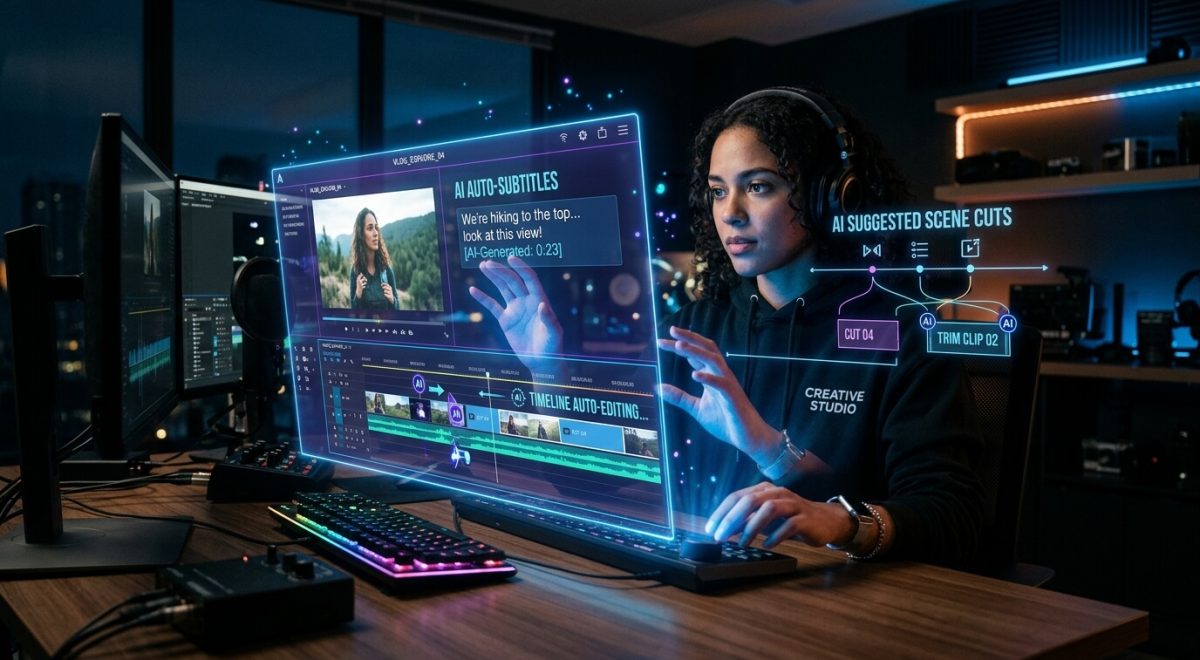
Creative work is no longer just about talent—it’s about speed, consistency, and smart systems. That’s where AI tools for creative workflows come in. When used properly, they remove repetitive tasks, improve output quality, and help you focus on actual creativity instead of busywork.
This guide breaks down the most essential AI tools you should be using right now—and how they fit into a modern workflow.
Why AI Tools for Creative Workflows Matter
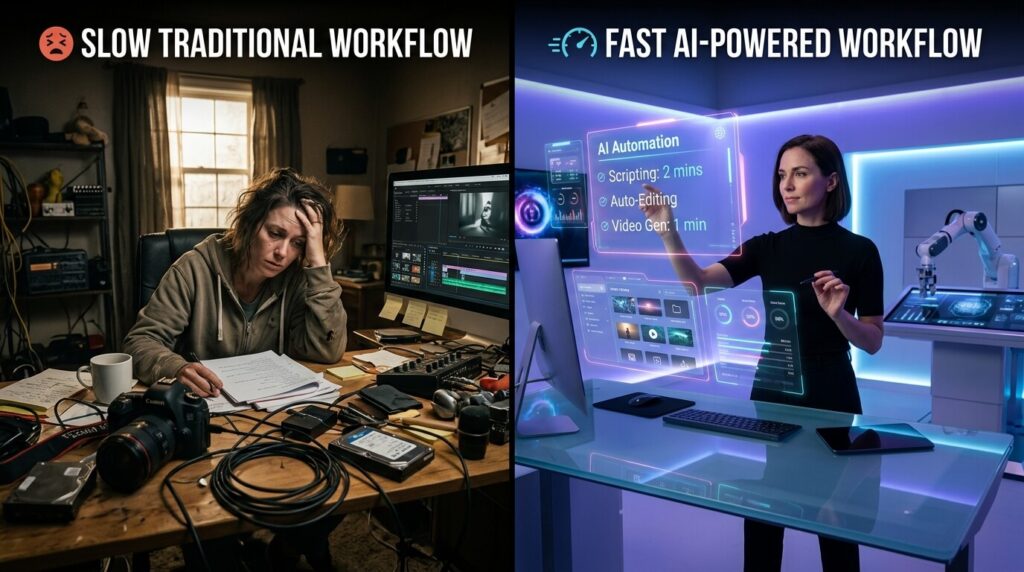
Traditional workflows are slow. Writing, editing, designing, and publishing can take hours or days. AI tools for creative workflows compress that process into minutes by:
- Automating repetitive tasks
- Generating ideas instantly
- Improving consistency and quality
- Reducing manual editing time
The result is simple: more output with less effort.
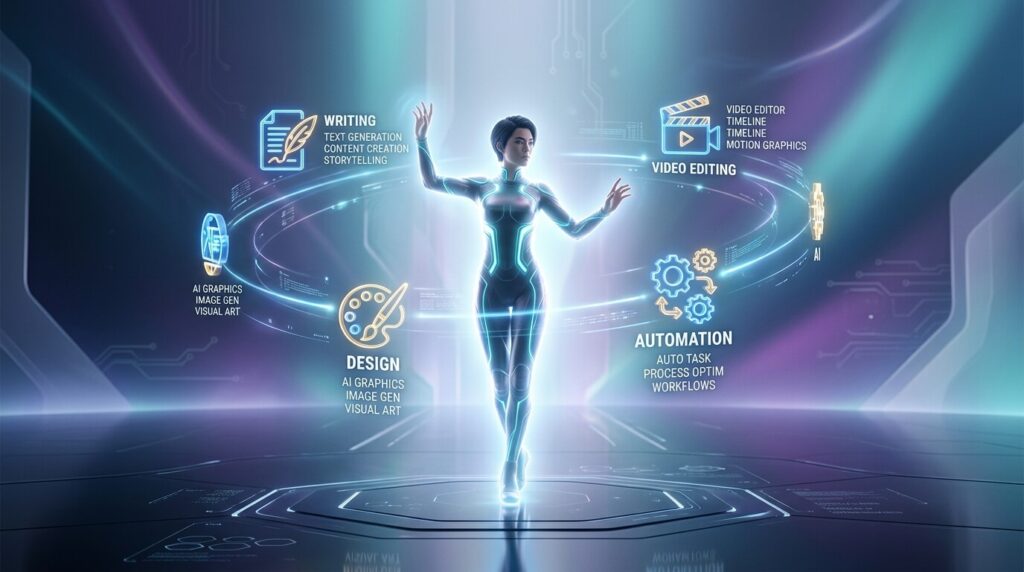
1. AI Writing Tools
AI writing tools help you create blog posts, scripts, captions, and more—fast.
Popular tools:
- ChatGPT
- Jasper AI
- Copy.ai
What they do:
- Generate content ideas
- Write drafts in seconds
- Improve grammar and tone
Best use: First drafts, outlines, and content scaling.
2. AI Design Tools
Design no longer requires starting from scratch. AI tools can generate visuals instantly.
Popular tools:
- Canva
- Adobe Firefly
- Midjourney
What they do:
- Create graphics, thumbnails, and social posts
- Generate images from text prompts
- Speed up branding work
Best use: Social media content, marketing assets, quick designs.
3. AI Video Creation Tools
Video content is high demand—but time-consuming. AI speeds it up drastically.
Popular tools:
- Pictory
- Runway ML
- Descript
What they do:
- Turn text into video
- Auto-edit clips and remove filler words
- Add captions automatically
Best use: YouTube videos, reels, and short-form content.
4. AI Audio and Voice Tools
These tools are useful for podcasts, voiceovers, and narration.
Popular tools:
- ElevenLabs
- Murf AI
What they do:
- Generate realistic voiceovers
- Convert text to speech
- Enhance audio quality
Best use: Faceless videos, audiobooks, podcasts.
5. AI Workflow Automation Tools
This is where real efficiency happens. Automation tools connect everything.
Popular tools:
- Zapier
- Make (formerly Integromat)
What they do:
- Automate repetitive tasks
- Connect apps and workflows
- Trigger actions automatically
Best use: Publishing, content distribution, and task automation.
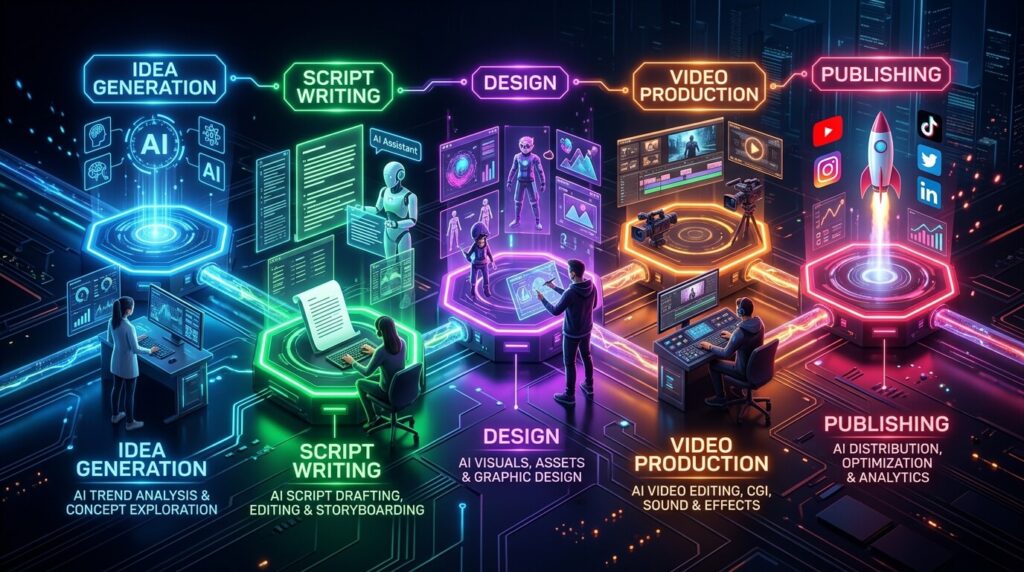
How to Build an AI-Powered Creative Workflow
Using AI tools for creative workflows is not about using everything—it’s about using the right combination:
- Idea generation → AI writing tools
- Content creation → writing + design tools
- Content production → video/audio tools
- Distribution → automation tools
This creates a streamlined system that saves time and increases output.

Common Mistakes to Avoid
- Using too many tools at once (leads to confusion)
- Relying 100% on AI without editing
- Ignoring quality for speed
- Not choosing a clear niche
AI is a tool—not a replacement for thinking.
Advantages of AI Tools for Creative Workflows
1. Faster Content Creation
AI can generate articles, images, videos, and ideas in minutes instead of hours. This dramatically increases productivity and output.
2. Automation of Repetitive Tasks
Tasks like editing, proofreading, SEO optimization, and formatting can be automated, saving time and effort.
3. Cost Efficiency
Businesses can reduce costs related to hiring large creative teams, especially for bulk content production.
4. Scalability
AI allows you to produce large volumes of content consistently across multiple platforms (blogs, social media, ads).
5. Idea Generation & Overcoming Writer’s Block
AI helps brainstorm topics, outlines, and drafts, making it easier to start creative projects.
6. Personalization & Data-Driven Content
AI can analyze user behavior and create targeted content tailored to specific audiences.
7. Accessibility for Beginners
People without technical or creative expertise can now create high-quality content, lowering the barrier to entry.
❌ Disadvantages of AI Tools for Creative Workflows
1. Lack of True Creativity
AI relies on existing data, so it struggles to produce genuinely original ideas or breakthrough creativity.
2. Weak Emotional Depth
AI content often lacks human emotion, storytelling, and personal experience, making it feel generic or less engaging.
3. Accuracy Issues
AI can generate incorrect or outdated information, so fact-checking is necessary.
4. Quality Inconsistency
Content may vary in quality and may lack nuance compared to human-created work.
5. Ethical & Privacy Concerns
Issues include data usage, plagiarism risks, and unclear ownership of AI-generated content.
6. Over-Reliance Risk
Relying too much on AI can reduce human creativity and critical thinking over time.
7. Costs Can Add Up
While AI can save money, subscriptions and advanced tools can become expensive, especially for small creators.
8. Content Saturation
AI makes it easy to produce massive amounts of content, which can lead to oversaturation and lower overall quality online.
⚖️ Bottom Line (Honest Take)
AI tools are powerful assistants, not replacements. They’re excellent for speed, scale, and support—but weak in originality, emotion, and deep thinking.
If you rely on them completely, your content will likely feel generic. If you combine them with human creativity, they become extremely effective
Final Thoughts
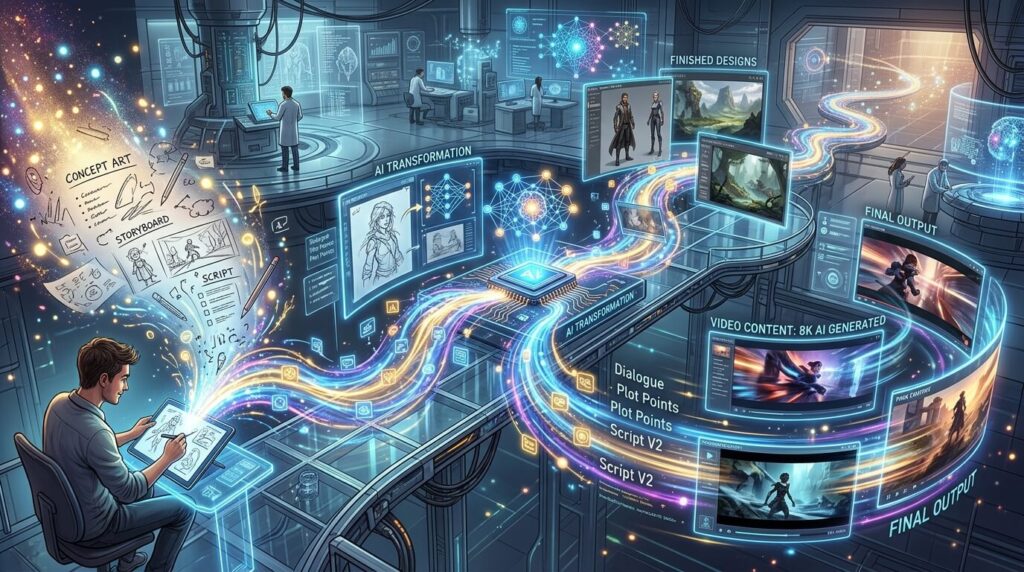
AI tools for creative workflows are no longer optional—they’re becoming standard. The advantage goes to those who learn how to use them efficiently.
Start simple. Pick 2–3 tools, build a workflow, and improve it over time. The goal isn’t just to create more—it’s to create smarter.